For iPhone
Wake up with Tawny.
An alarm clock with a sleepy owl. Stop the alarm and Tawny shares a short morning brief: today’s weather and what’s on your calendar.
Questions or ideas? Email us




How a morning goes
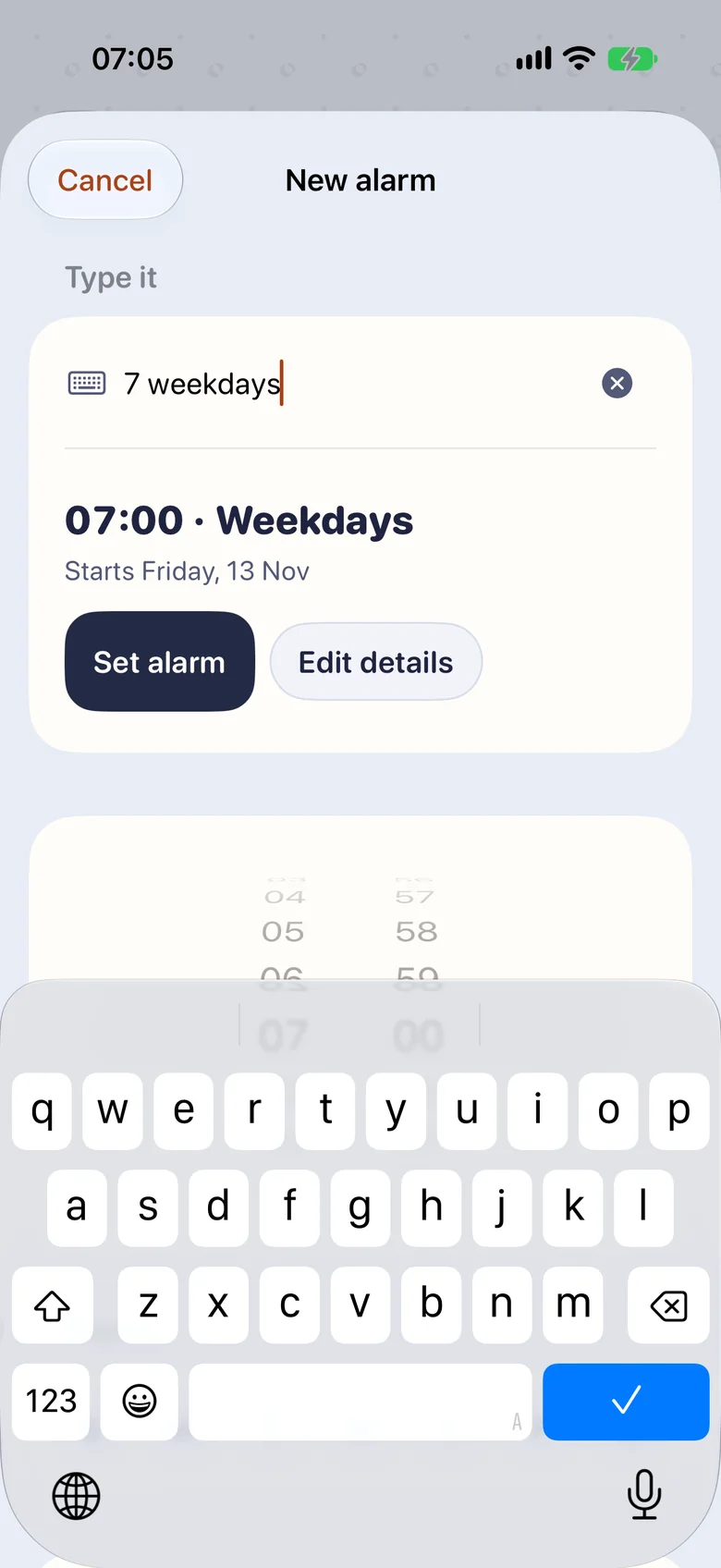
Set it by typing
Type “7 weekdays” or “6:30 tomorrow” and the alarm is ready.
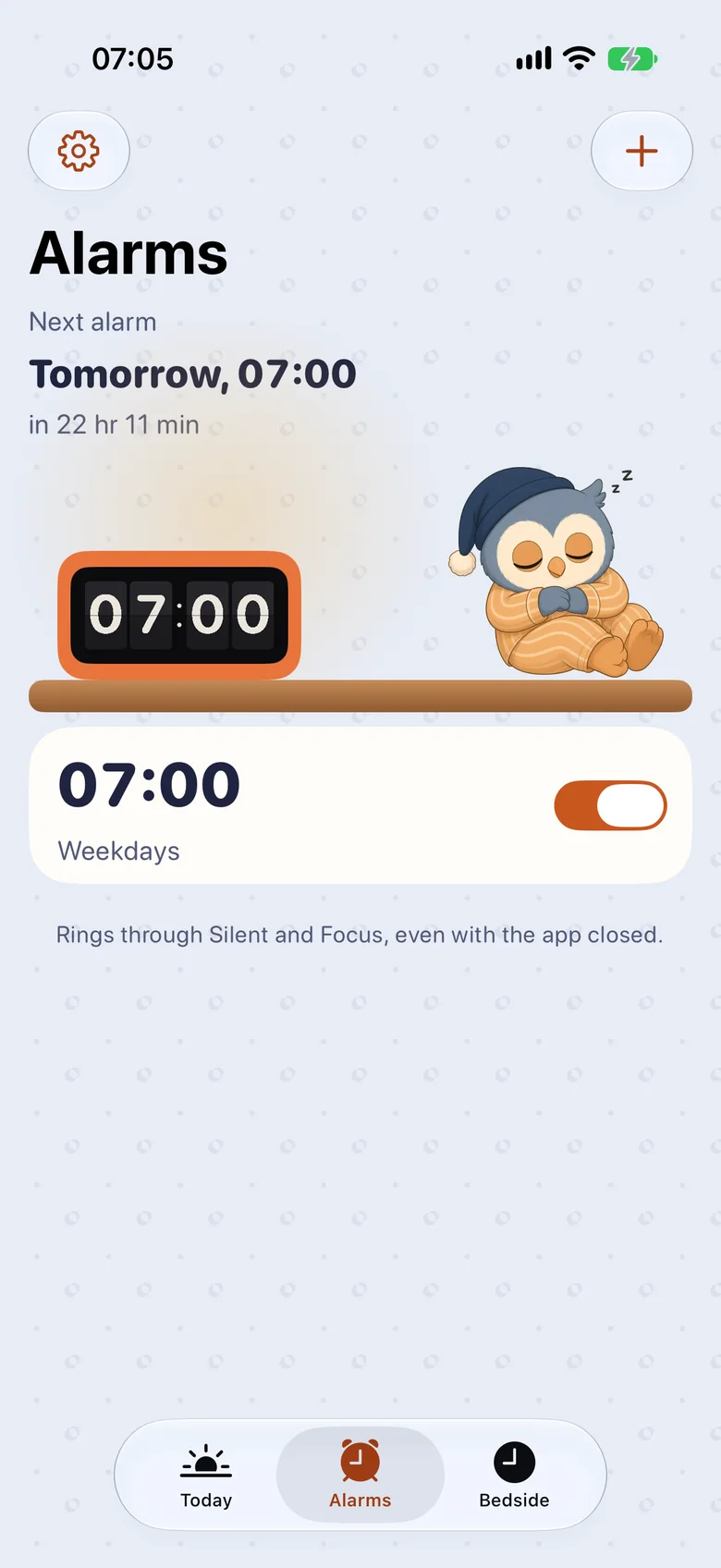
It rings, even on Silent
Alarms use Apple’s AlarmKit, so they ring through Silent and Focus, even with the app closed.
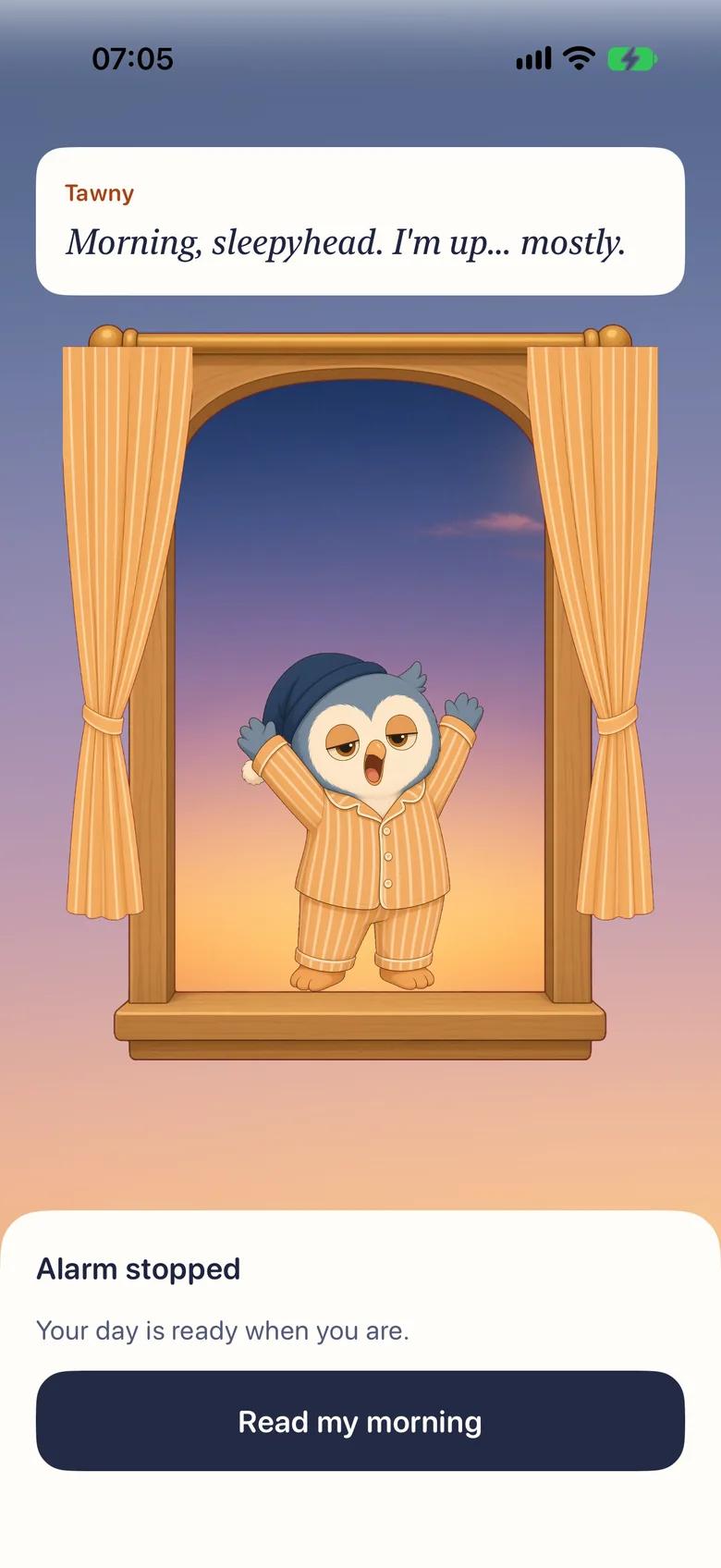
Tawny says good morning
Stop the alarm and Tawny stretches on the windowsill at sunrise.
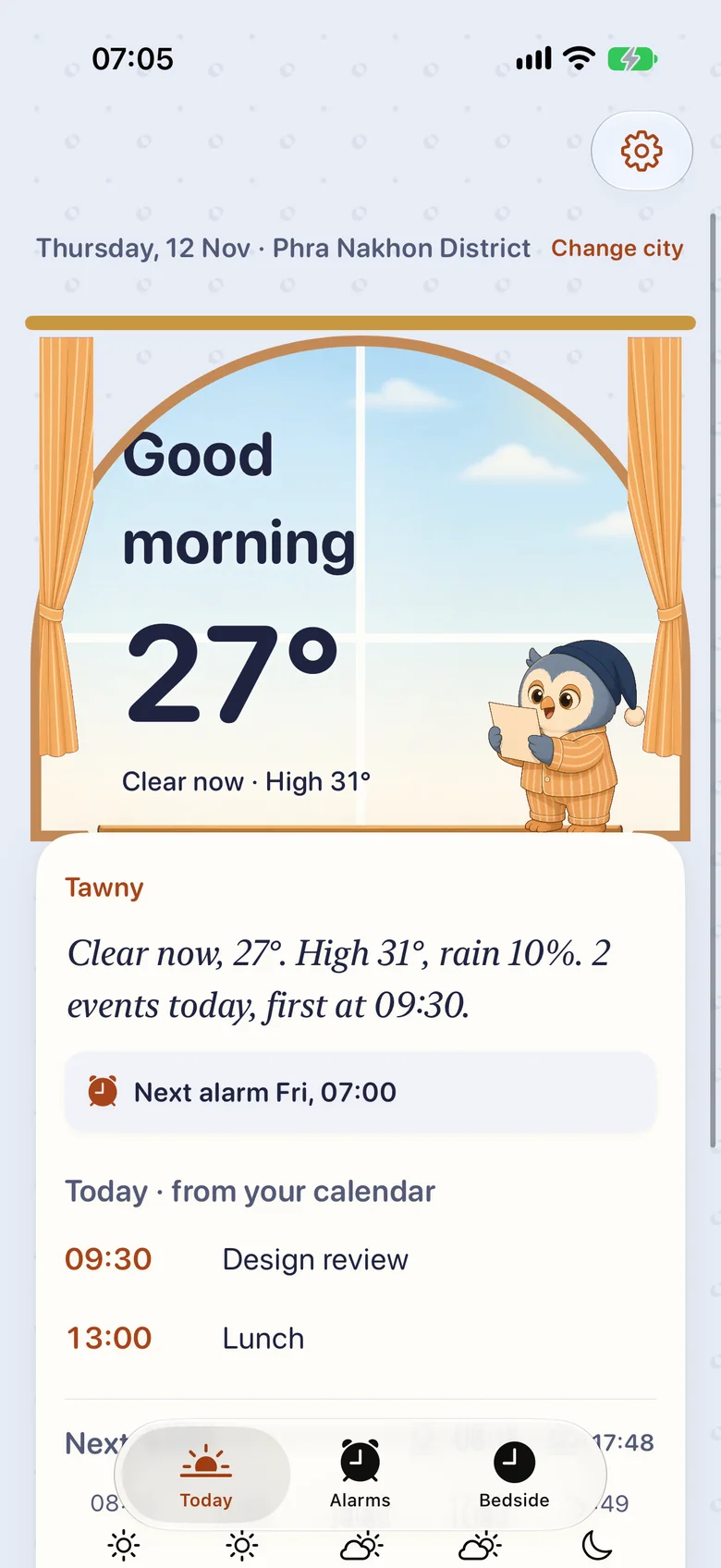
Your day, in a few lines
The weather where you are and today’s events from your calendar.


App screens with sample weather and events.
A window that shows the weather
The Today window is painted from the real forecast: clear, cloudy or rain, by day and by night.
In the app, weather comes from Weather. Data sources
 Clear
 Cloudy
 Rain
 Clear night
 Cloudy night
 Rainy night
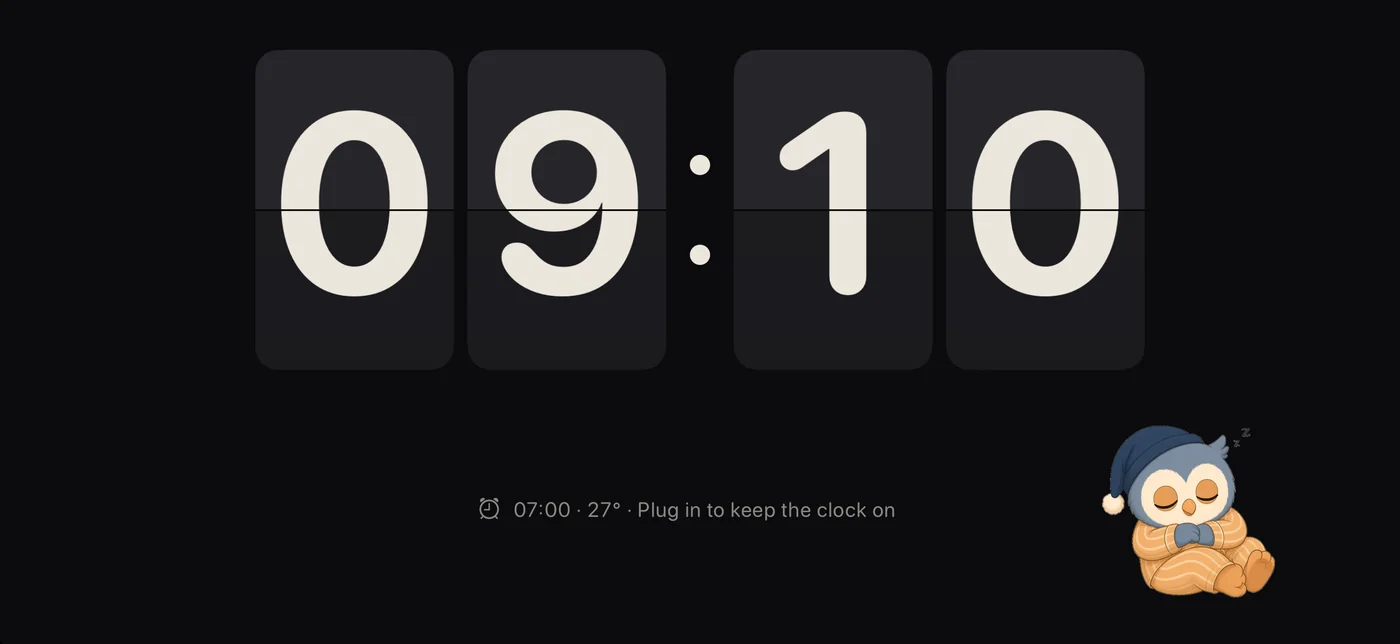
A clock for your nightstand
Turn your phone sideways on the Bedside tab for a big flip clock.
- The clock stays on while your phone is charging.
- Night dimming, from bedtime until 30 minutes before your alarm (or 6:00 AM).
- Red night colours, if you like it dim.
- On iPhone Duo, half-fold it into a tabletop clock.
Little things
On your Lock Screen
A snoozed alarm counts down on the Lock Screen and in the Dynamic Island.
Asks only when you tap
No sign-up. Location and calendar are asked for only when you turn them on. Approximate location is enough.
Made for everyone
Dynamic Type up to the largest sizes, VoiceOver labels, and calmer motion with Reduce Motion.